LangLibra.
Browse
About
AI writing tools · Drafting assistants

AI writers, reviewed and explained

AI writers, reviewed below, turn a short instruction into a full first draft in seconds. How good that draft is depends mostly on the instruction you give it, and how much time you save depends on how well you edit it. This page covers both, plus reviews of the main tools.

WHERE THE QUALITY COMES FROM 1 · YOUR BRIEF Role, reader, goal, facts, format, tone 2 · THE AI DRAFT Fluent and fast, but generic and unverified 3 · YOUR EDIT Check facts, cut filler, add your voice Steps 1 and 3 are yours. They decide the result.
The tool does the middle step. A vague brief gives a vague draft, and an unedited draft keeps every error the tool made.

What AI writers do well, and what stays with you

AI writers predict likely text. That makes them strong at structure and fluent phrasing, and unreliable on anything that depends on facts they weren’t given.

Hand to the tool
StructureOutlines, headings and a sensible order for your points.First drafts of routine textStandard emails, summaries, job posts and descriptions.RewordingShorter, simpler or more formal versions of your own text.VariationsFive subject lines or three openings to choose from.Summaries of text you provideCondensing notes or documents you paste in.
Keep for yourself
Facts, figures and datesAI can state wrong details confidently. Check every one.Judgement callsWhat to promise, what to leave out, how direct to be.Your voiceGeneric phrasing reads as generic. Edit it towards how you write.Confidential detailsDon’t paste client, staff or financial data into tools your employer hasn’t approved.Final responsibilityYou send it, so you own every word.

The six parts of a good prompt

A prompt is the instruction you type. Add the parts one by one and watch a vague request become a usable brief.

Your prompt · 1 of 6 parts
Write an email to a client.
TaskWhat to write. RoleWho the AI should write as. ReaderWho will read it and what they know. FactsEverything the text must say. The AI can’t know these. FormatLength and shape. ToneHow it should sound.
More ChatGPT prompts for professional writing →

Prompt templates for common work tasks

Copy a template and replace the bracketed parts with your own details.

Reply to a complaint You are a customer service lead. Write a reply to this complaint: [paste]. Apologise once, explain what happened in one sentence, and offer [solution]. Under 120 words, calm and specific.
Meeting summary Turn these meeting notes into a summary for people who missed it: [paste]. Use three headings: Decisions, Actions (with owner and date), Open questions. Keep only what is in the notes.
Report section Draft the “Findings” section of a report for [audience]. Use only these facts: [list]. Start with the most important finding. Plain English, short paragraphs, no conclusions I haven’t given you.
Polite refusal Write a short email declining [request] from [person, relationship]. Thank them, give the reason in one sentence: [reason]. Offer [alternative] if possible. Warm but clear.
Rewrite for clarity Rewrite this paragraph for a reader who is new to the topic: [paste]. Keep every fact. Shorter sentences, no jargon, same length or shorter. Then list any terms you replaced.
Job post Write a job advert for a [role] at [company, one line]. Responsibilities: [list]. Requirements: [list]. Salary: [range]. 200 words, inclusive language, no clichés like “rockstar” or “fast-paced”.

Editing an AI draft: a worked example

A typical AI draft of a client update, and the edited version. Each numbered note explains one change.

AI draft · 74 words I hope this email finds you well! I wanted to reach out to provide you with an update regarding the current status of the project. We are thrilled to share that significant progress has been made across all key workstreams. The team has been working tirelessly to ensure that everything stays on track. We are confident that the project will be delivered in a timely manner. Please don’t hesitate to reach out with any questions.
Edited · 47 words Hi Dana, a quick update on the website project. Design and content are finished, and development is 70% complete. We are on track to launch on 12 June. One thing we need from you: final approval of the pricing page by Friday 30 May. Thanks, Lena
  1. Edit 1 Cut the throat-clearing “I hope this email finds you well” and “I wanted to reach out” delay the point. The edit opens with it.
  2. Edit 2 Replace claims with facts “Significant progress” becomes “design and content are finished, development is 70% complete”.
  3. Edit 3 Add what only you know The AI didn’t know the launch date or the approval deadline, so it couldn’t say them.
  4. Edit 4 Make the request specific One action, one owner, one date, instead of “don’t hesitate to reach out”.

General assistants and specialist writers

AI writers fall into two broad groups. The right one depends on what you produce most.

General assistantMarketing-focused writer
ExamplesChatGPT and similar chat assistantsJasper, Copy.ai
Best forEmails, reports, summaries, rewording, any taskAds, product descriptions, social posts, landing pages
How you use itA conversation: you brief, it drafts, you refineReady-made templates for each content type
Brand voiceYou describe it in each prompt or in saved instructionsUsually a stored brand-voice profile
Team featuresVaries by planCampaigns, shared workspaces and approvals
Typical buyerIndividuals and whole teamsMarketing teams and agencies

Four rules for using AI at work

1 Follow your employer’s AI policy Many organisations approve specific tools and ban others. Check before you paste work text into any tool.
2 Never paste what you couldn’t publish Client names, contracts, health or salary data and unreleased results stay out of unapproved tools.
3 Verify every fact Dates, figures, names, quotes and sources. If you can’t confirm it, cut it.
4 Be open when it matters For published, academic or client-facing work, follow the rules on disclosing AI use, and never present AI text as research you did.

Refining a draft with follow-up prompts

The first answer is a starting point. A chat assistant remembers the conversation, so short follow-up instructions are faster than rewriting the original prompt. Here is how the client update above might be refined in four turns.

Turn 1 · LengthMake it under 50 words. Length is the easiest thing to fix by follow-up, so fix it first.
Turn 2 · ToneLess formal: Dana and I are on first-name terms. Telling the AI about the relationship works better than a tone word alone.
Turn 3 · AccuracyThe launch date is 12 June, not 15 June. Correct it and change nothing else. “Change nothing else” stops the tool rewriting parts you have already approved.
Turn 4 · CheckList every fact in the email so I can check them. A list makes the final fact-check quick and catches anything the AI added.

Each follow-up changes one thing. Asking for “shorter, warmer and with bullet points” in a single turn usually fixes one and loses another. The ChatGPT prompts guide collects follow-ups for tone, length and structure that work across most assistants.

Choosing a tool: five questions

Feature lists change every few months; these questions don’t. Ask them of any AI writer before you or your team pay for it.

QuestionWhy it mattersWhat a good answer looks like
Where does my text go?Work text may be stored or used to train future models.A clear data policy, and a business plan that excludes your text from training.
Does it fit what I write most?General assistants suit varied tasks; specialist tools suit high volumes of one type.Strong output on three of your real tasks in a free trial.
Can it learn our voice?Generic output costs editing time on every draft.Saved instructions or style guides applied to every new draft.
Does it work where we write?Copying between apps slows teams down and spreads data around.Integration with your email, documents or CMS (the system your website runs on).
What does a team really pay?Prices are per seat, and usage limits can push you to a higher plan.A price for your team size that covers your typical monthly volume.

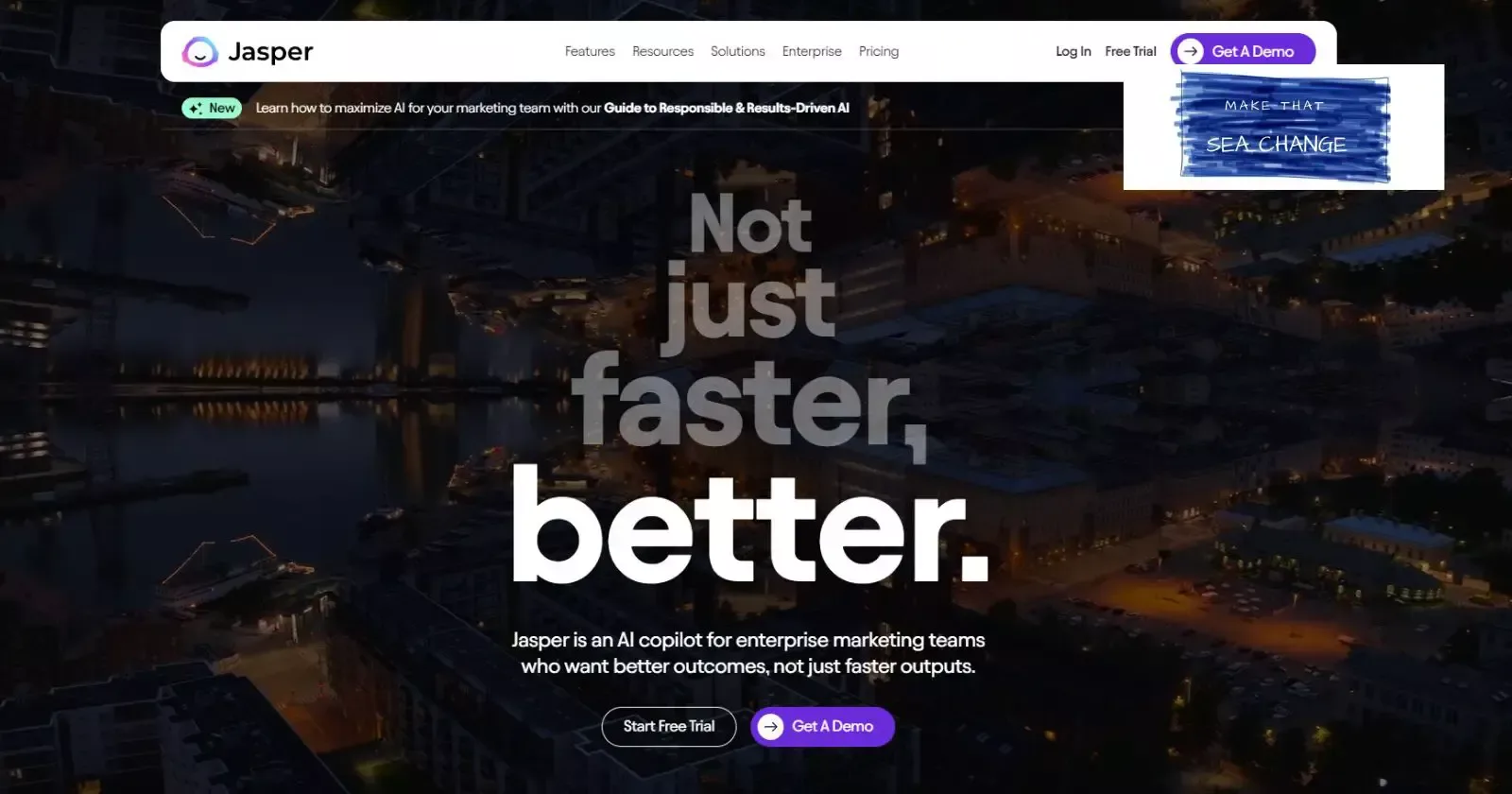
Our business writing roundup applies these questions to the main tools side by side. For marketing-focused writers, the Jasper review and Copy.ai review look closely at templates, brand voice settings and plan limits.

When to say you used AI

Expectations differ by setting. In most routine work, an AI-assisted email is simply your email: you checked it and you stand behind it. Where authorship itself matters, say so, or don’t use the tool at all.

Usually no need Routine work where you checked every fact and the words carry your name. Internal emails and updatesMeeting summariesFirst drafts you rewrote
Check the rules Settings with their own policies on AI use. Published articles and reportsClient deliverables under contractJob applications
Disclose, or write it yourself Settings where your own authorship is the point. Coursework and examsPersonal references and condolence lettersLegal or medical statements