What every comparison measures
Every comparison scores both tools on the same six criteria, so you can read any two side by side.
Accuracy How many of the known problems in our test texts each tool catches and fixes correctly.
False alarms How often it flags text that was already correct, the hidden cost of any checker.
Depth Whether it stops at grammar or also handles style, tone and structure.
Where it works Browser, email, word processors, desktop and phone.
Privacy What happens to your text, and whether there is an option for sensitive material.
Value What the free plan covers and what paying adds.
The matchups
Choose a comparison to see what each tool is built for and who should pick it. The full article has the test results.
Both correct grammar and suggest style improvements. The difference is where they do it: Grammarly while you type, ProWritingAid in detailed reports on a whole document.
Read Grammarly vs ProWritingAid →
Grammarly Built for fast corrections wherever you write. +Suggestions appear inline as you type+Works across browsers, email and documents+Tone and clarity rewrites for short texts Choose it if: you write many emails and short documents in many apps.
ProWritingAid Built for analysing long documents. +Many separate reports: pacing, repetition, sentence length+Handles chapters and long reports in one pass+Popular with fiction and thesis writers Choose it if: you write long documents and want to study your style.
Which comparison do you need?
Pick the statement closest to your situation.
“I write emails all day in different apps.” → Grammarly vs ProWritingAid “I’m writing a book or a thesis.” → Grammarly vs ProWritingAid “I need to reword passages, not just correct them.” → Grammarly vs QuillBot “My writing is correct but hard to read.” → The four-way test, for Hemingway “I want the most accurate checker.” → The four-way test “I want an AI to draft for me.” → ChatGPT vs Claude
Running your own comparison
Our comparisons are a starting point. Before paying, test the two tools on your own writing, because the result depends on what you write.
- 1Pick three real textsOne email, one longer document, one with known errors.
- 2Run both toolsUse the free trial or plan of each on the same texts.
- 3Count three thingsReal errors caught, wrong suggestions, and time to finish.
- 4Decide on your top jobChoose the tool that wins on the task you do most.
Keeping comparisons current
Writing tools change quickly: new features, new prices and new AI models arrive several times a year. Check the date on any comparison you read, and treat anything over a year old as a guide, not a verdict.
Two tools are often better than one
Because each tool is strong at a different stage, many writers use a pair. These three pairings cover most workflows.
Business writers AI assistantthenGrammar checker Draft quickly with the assistant, then run the checker for accuracy and tone before sending.
Long-form writers ProWritingAidthenHemingway Fix grammar and repetition with the reports, then use Hemingway to make the prose plainer.
ESL writers Grammar checkerthenParaphraser Correct your own text first; reword only the sentences that still feel unnatural, and check the result.
Head-to-head tool comparisons
4 guides · newest first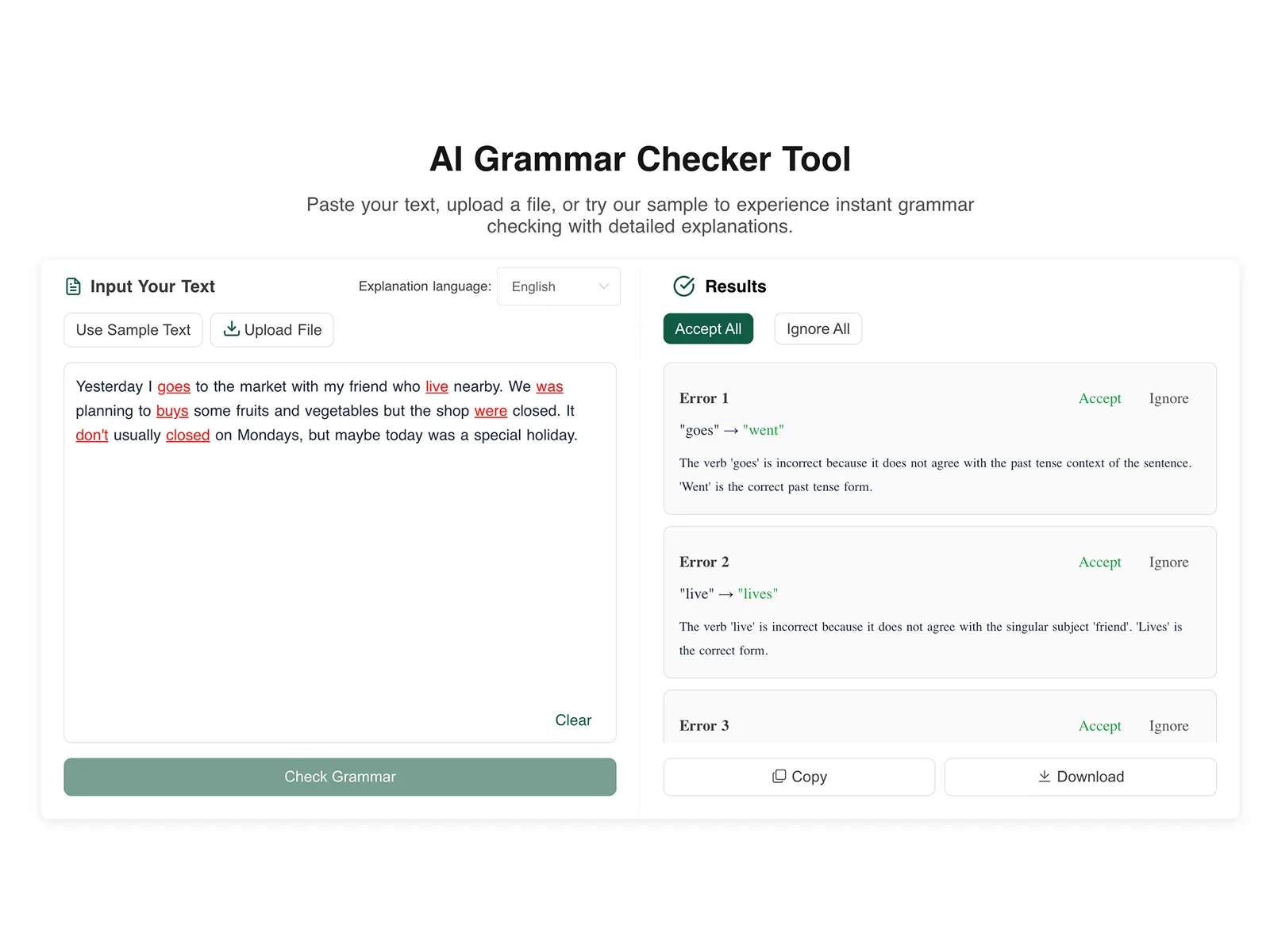
Grammarly vs Hemingway vs ProWritingAid ComparedIn-depth comparison of Grammarly, Hemingway Editor, ProWritingAid, and LanguageTool with test results on accuracy, false positives, pricing, privacy, and multilingual support.Mar 24, 2026 · 14 min read

ChatGPT vs Claude for Writing - Real-World ComparisonHonest comparison of ChatGPT vs Claude for writing tasks. Side-by-side analysis of accuracy, creativity, tone, pricing, and which AI is best for your needs.Mar 23, 2026 · 22 min read

Grammarly vs ProWritingAid - Honest Side-by-Side ComparisonGrammarly vs ProWritingAid compared honestly. Side-by-side analysis of pricing, features, accuracy, and which tool is best for your specific writing needs.Mar 23, 2026 · 22 min read
Grammarly vs QuillBot - Which Is Better for Your Writing?Grammarly vs QuillBot compared for 2026. See how grammar checking stacks up against paraphrasing, with pricing, features, and which tool suits your needs.Mar 23, 2026 · 22 min read